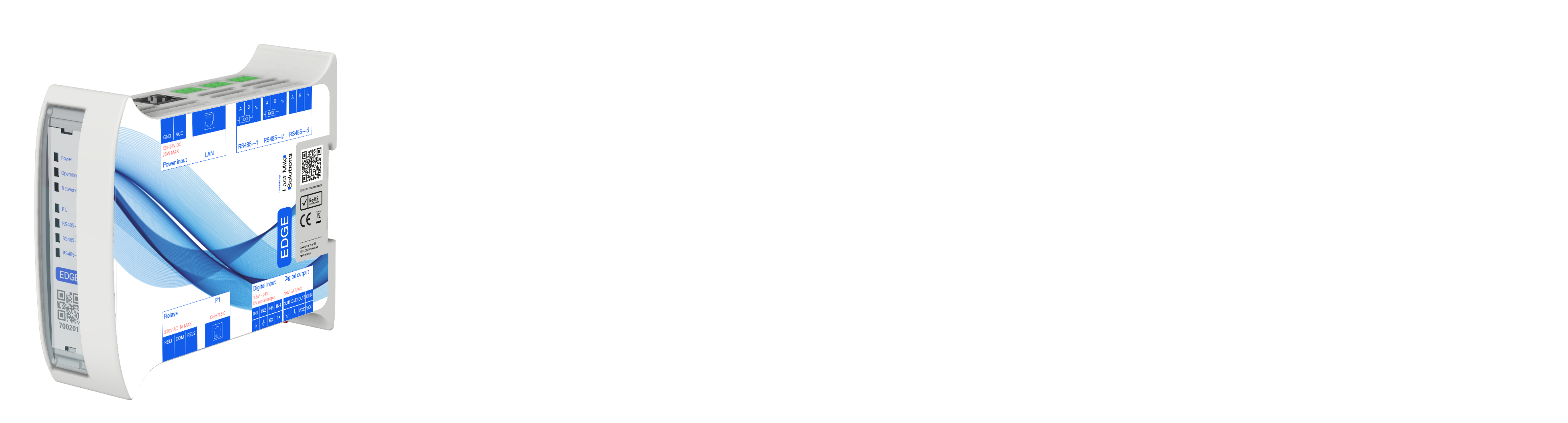
Connectivity via 4G Router
With a 4G router, Edge and your chargepoints and energy meters share their own network, which connects to the internet over the mobile network. This page covers the router options, SIM cards, and who supports what. To compare 4G with a company network, see Edge Connectivity.
Router options
The 4G router comes in the Edge Plug&Play set. Last Mile Solutions installs and activates the SIM card, and tests the set online before shipping.
- On site, mount the set and connect your devices to the switch in the set.
- No router configuration is needed.
- Follow Physical Edge Installation.
Ordered Edge without the Plug&Play set? Order the 4G router separately through the order form. The router comes with a pre-installed SIM card and is configured by Last Mile Solutions.
- On site, connect the LAN port of the router to the switch that Edge is connected to.
- No router configuration is needed.
You choose the router and arrange a public SIM card yourself.
- Your router must meet the network requirements: DHCP, mDNS, and outbound internet access.
- You configure the router and solve connectivity issues yourself.
- Last Mile Solutions does not support third-party routers.
Responsibilities
| 4G router from Last Mile Solutions | Your own 4G router | |
|---|---|---|
| Router | Last Mile Solutions | You |
| SIM card | Last Mile Solutions, pre-installed | You, from a telecom provider |
| Router and SIM configuration | Last Mile Solutions | You |
| Connectivity issues | Last Mile Solutions Support | You and your telecom provider |
SIM cards
SIM cards supplied with chargepoints are VPN or private-APN SIM cards. They only work inside a chargepoint, never in a router.
- 4G router from Last Mile Solutions — the SIM card is pre-installed and configured. Do not remove or replace it.
- Your own 4G router — use a public SIM card: an open SIM card without VPN or private APN, from a telecom provider of your choice (for example Tele2, Proximus, or Orange). You pay for the SIM card and data plan.
- Last Mile Solutions does not sell SIM cards separately. You only get one with a 4G router from Last Mile Solutions.
Connect only energy management devices
On a 4G router from Last Mile Solutions, connect only Edge and the devices it manages: chargepoints, energy meters, solar inverters, and batteries.
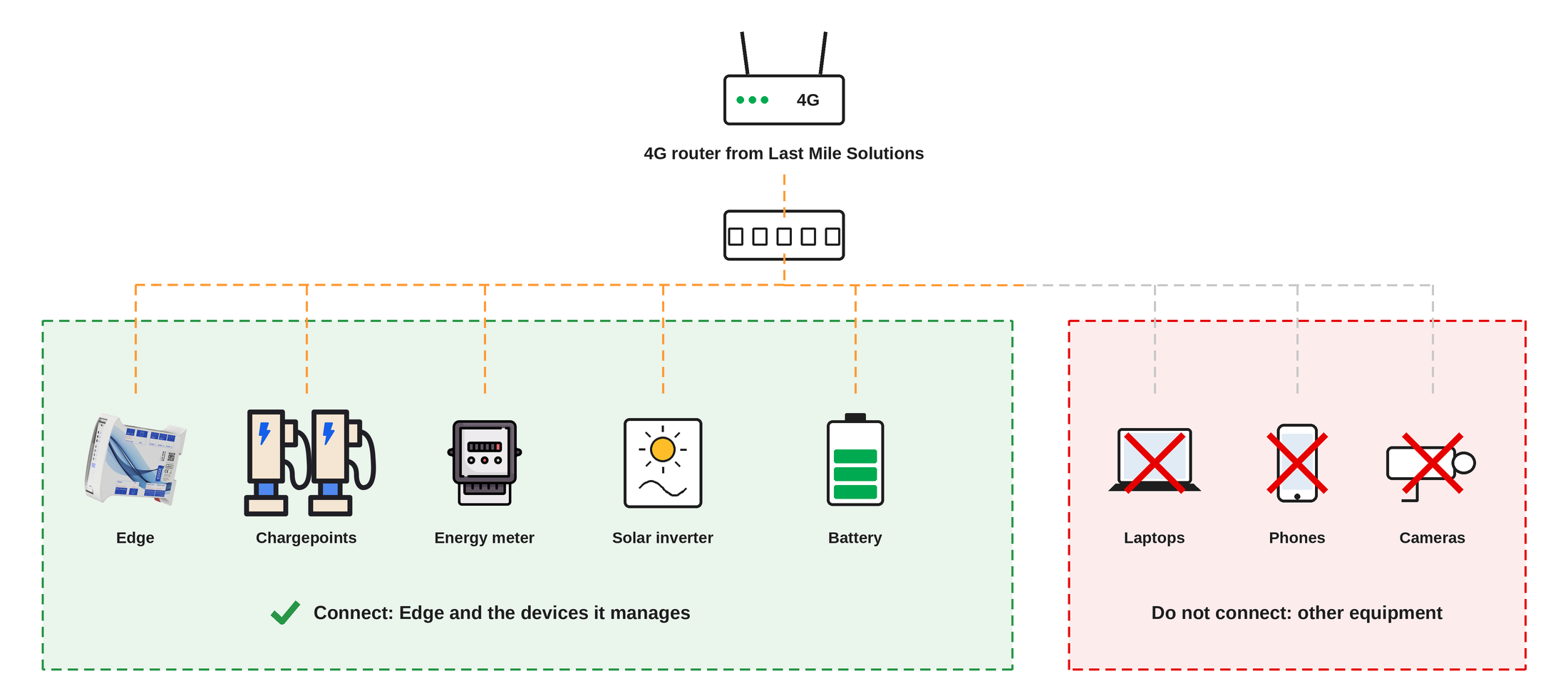
Do not connect laptops, phones, cameras, or other equipment. Last Mile Solutions monitors the data usage of the SIM card. Other devices can push the SIM card over its limit, which blocks the SIM card until Last Mile Solutions has investigated the cause.
Tell on-site staff that the router is not for internet use.
Router and antenna
- Last Mile Solutions uses Teltonika 4G routers (RUT200 or RUT240).
- The Plug&Play set includes a 4G antenna. Where the mobile signal is weak, use an outdoor antenna.
- The router gives Edge its IP address and supports mDNS, so chargepoints reach Edge at
ws://edge.lan. See Connect OCPP chargers to Edge.
Support
For connectivity issues with a 4G router from Last Mile Solutions, email [email protected] with:
- Site name and location
- Serial number of the router (on the router label) or of Edge
- A description of the issue
Related articles
Updated 20 days ago