
Demo Mode
In demo mode you will be connected to a real Edge device, but all assets like energy meters, buildings, and charge points are simulated. This allows testing grid configurations in a digital twin environment.
Workflow
1. Connect to Demo Edge
Access via the management interface to designated demo-edge devices. Some are cloud-hosted and may have limited availability.
2. Verify Demo Mode
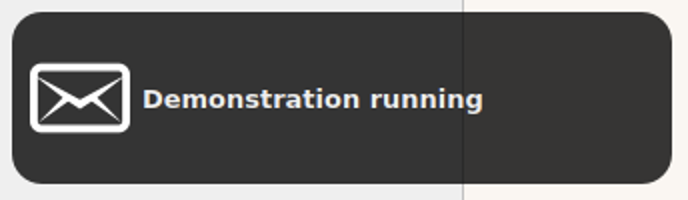
A notification appears in the bottom-left corner when demo mode is enabled.
3. Add Assets
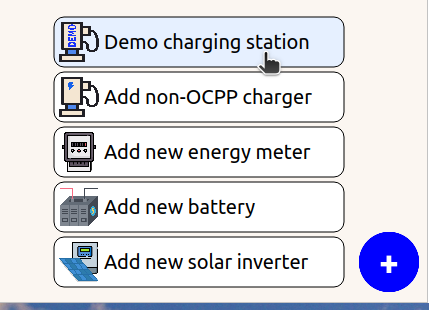
Use the '+' button (bottom-right) to add charge points or energy meters.
4. Configure Grid
Configure the grid following the grid configuration guide or watch the demo video.
5. Start Simulation
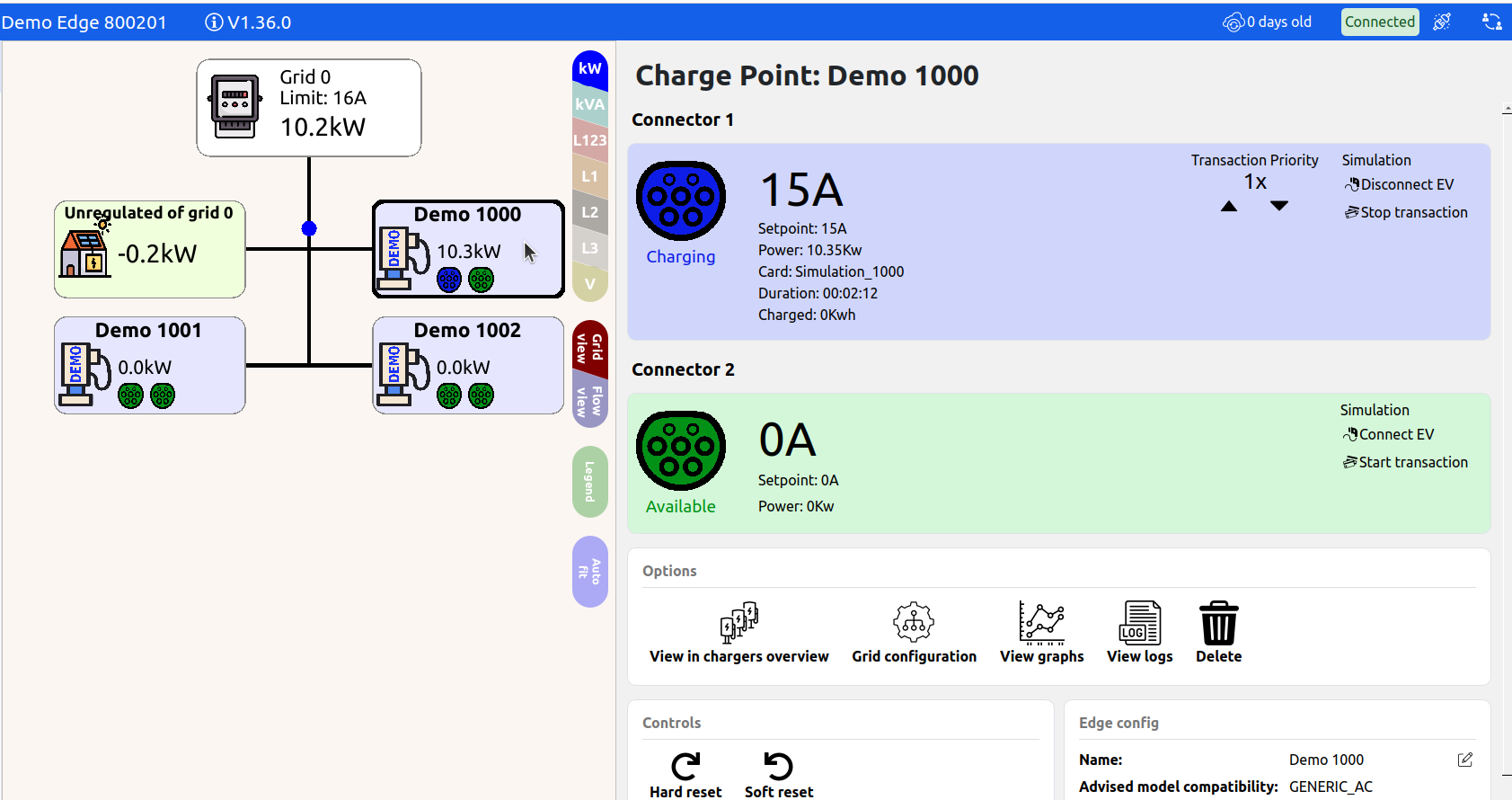
In the live-view, select a station and press "Start transaction" to initiate simulation.
Play With The Energy Meter
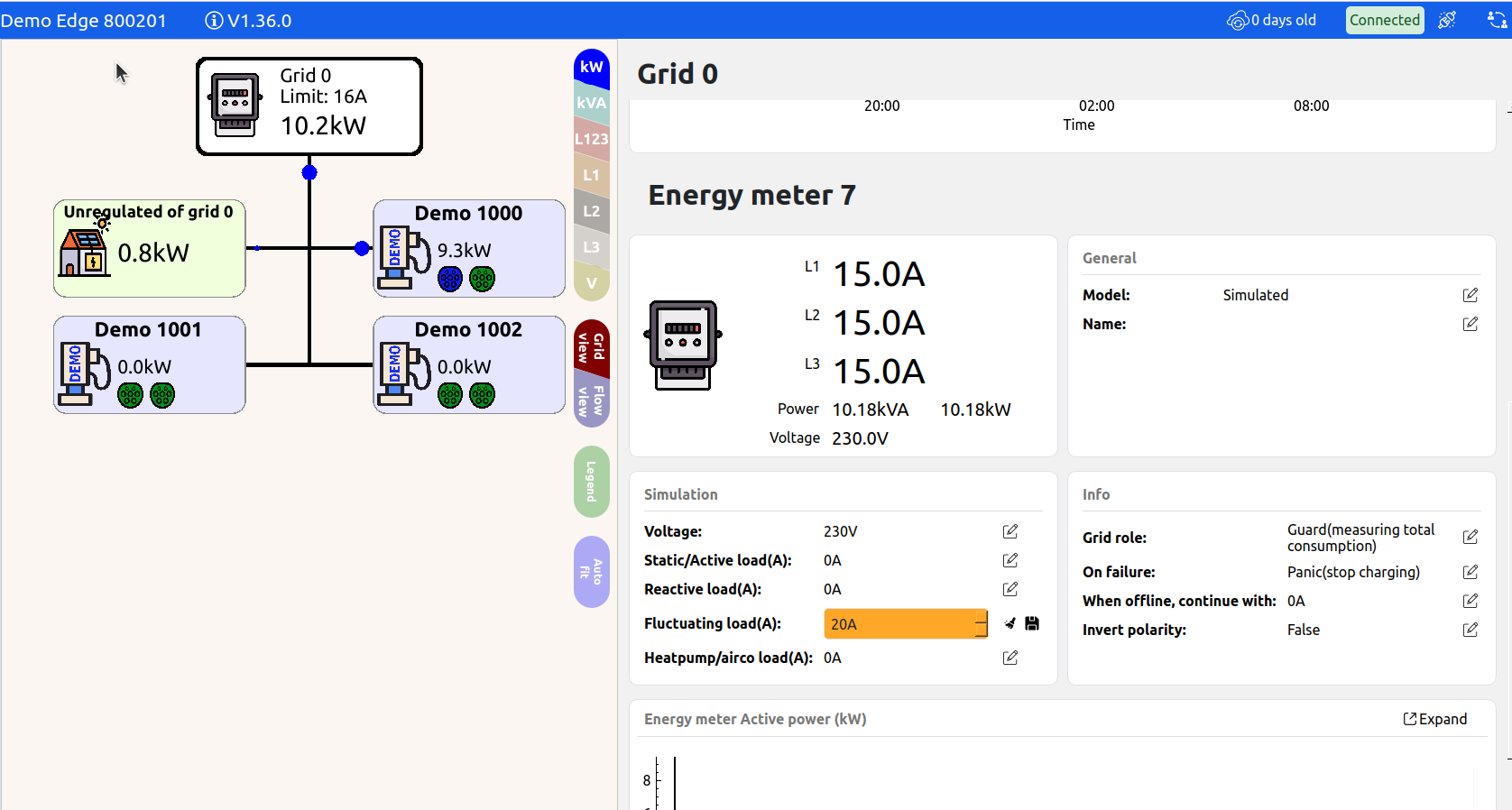
Click on simulated energy meters and access "Settings" to configure unregulated loads.
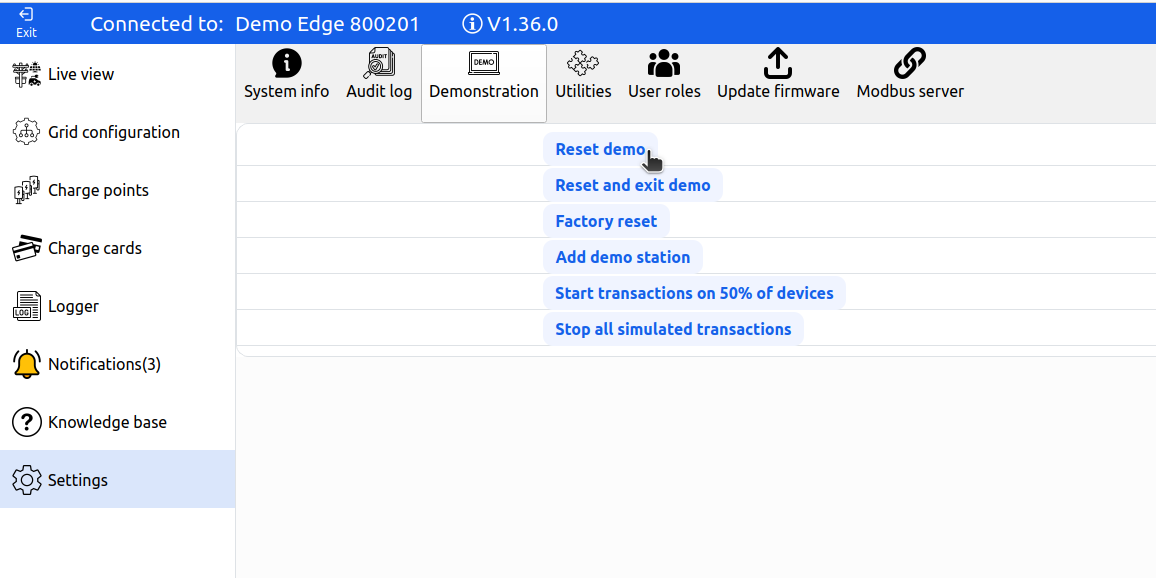
Exit Demo Mode
To reset the demo for subsequent users:
- Navigate to Settings > Demonstration
- Click "Reset demo"
Updated 6 months ago