
EdgeManager Layout
Follow this link if you want to login to the management interface.
The Management interface is the front-end for configuring, monitoring and controlling your Edge device.
There is a known issue with the Management Interface that causes the UI to not render properly if the browser-scaling is not set to 100%. Please set the browser scaling to 100% if you encounter display issues.
Depending on how the user is logged in the layout of the management may differ and hide/disables various options. The most extended view and how to use it will be explained here.
Live view
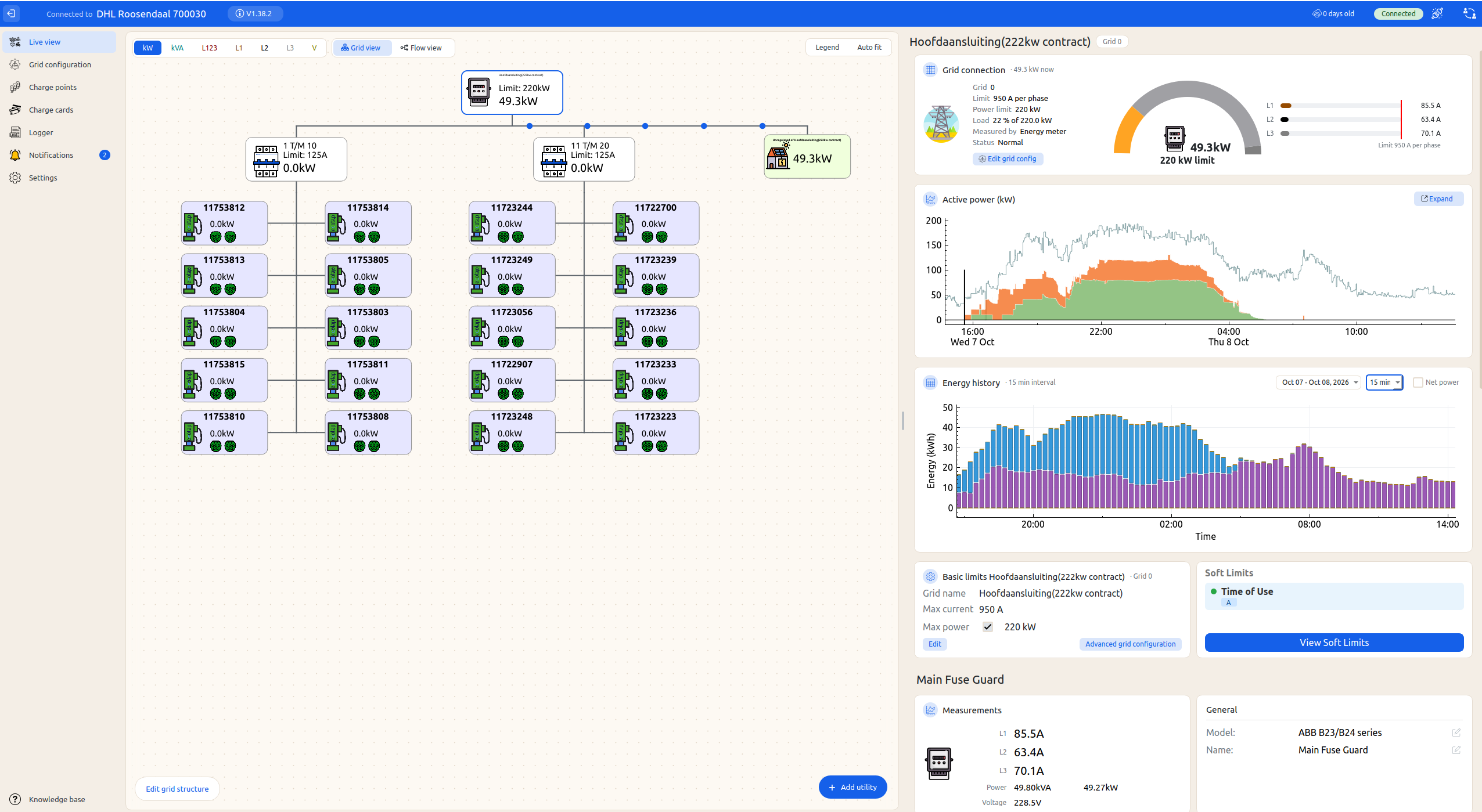
This is the first panel you will see when you connect to Edge. You can click on the stations, energy meters or grids to explore the site or to configure and control the connected devices
Grid configuration
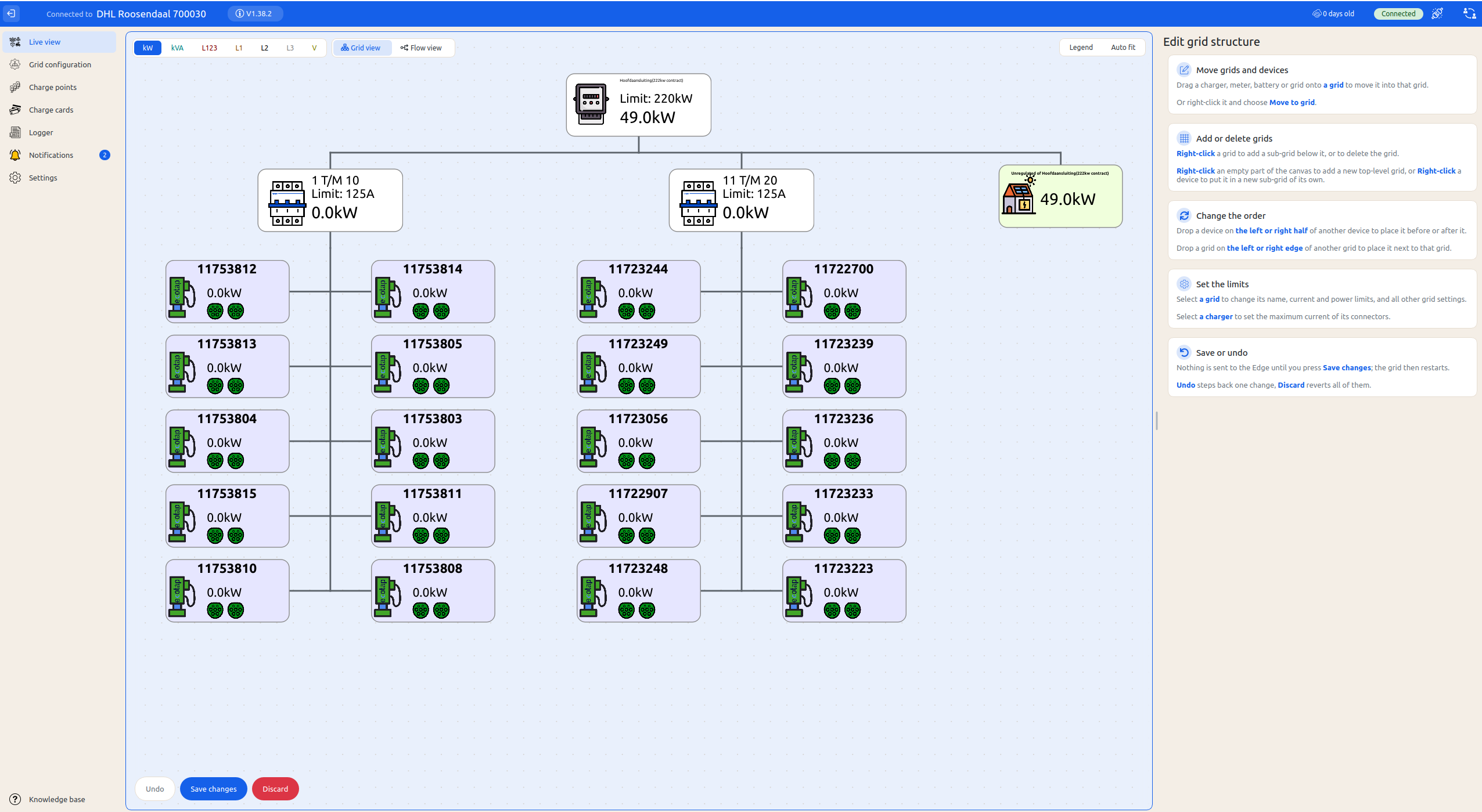
Setting up all the constrains happens in the same live-view. See Configure the grid for a guide. Here chargers can be dragged and dropped to the right grids
Charge Points
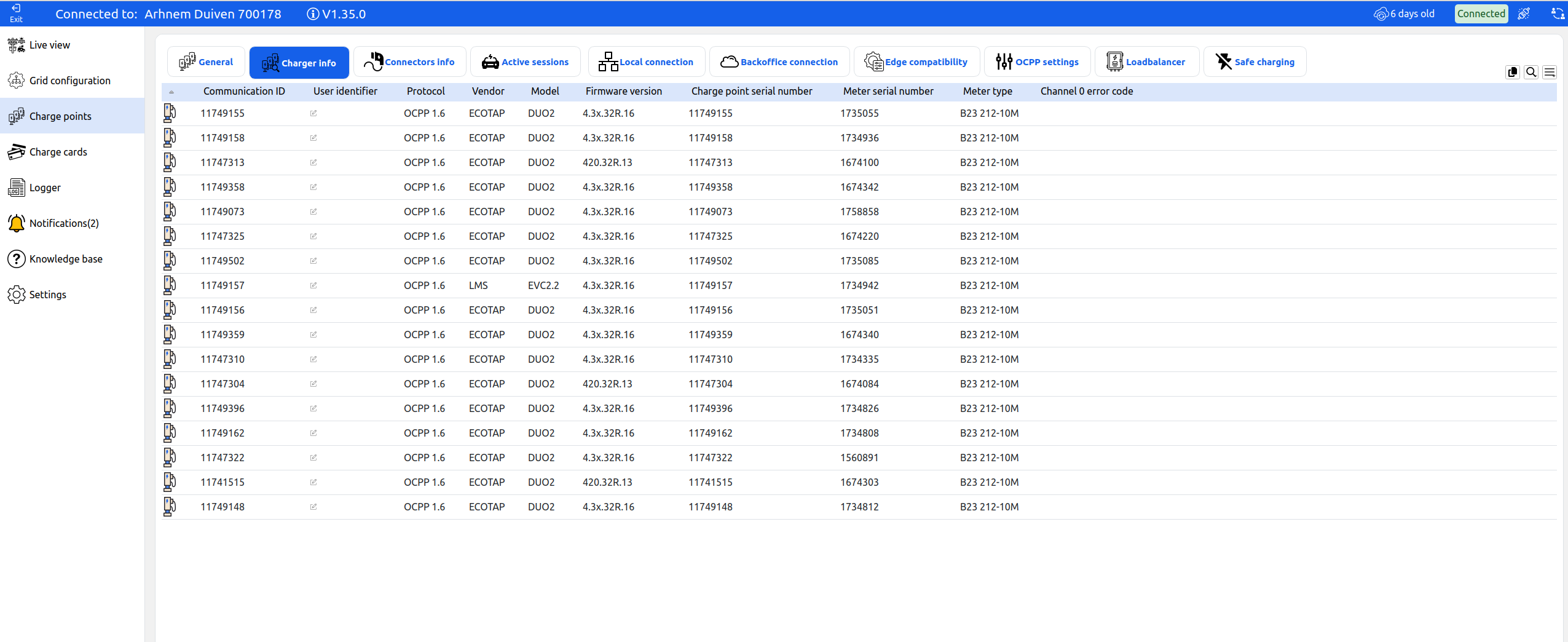
Normally Edge is Plug&play for the chargepoints. This window offers advanced insights in all connected chargepoints and allows the user to change settings on the chargepoints in bulk. All of these insights can also be found in the Live View The charge points overview has the added benefit of comparing the settings of all chargers at the same time in a single window
Charge cards
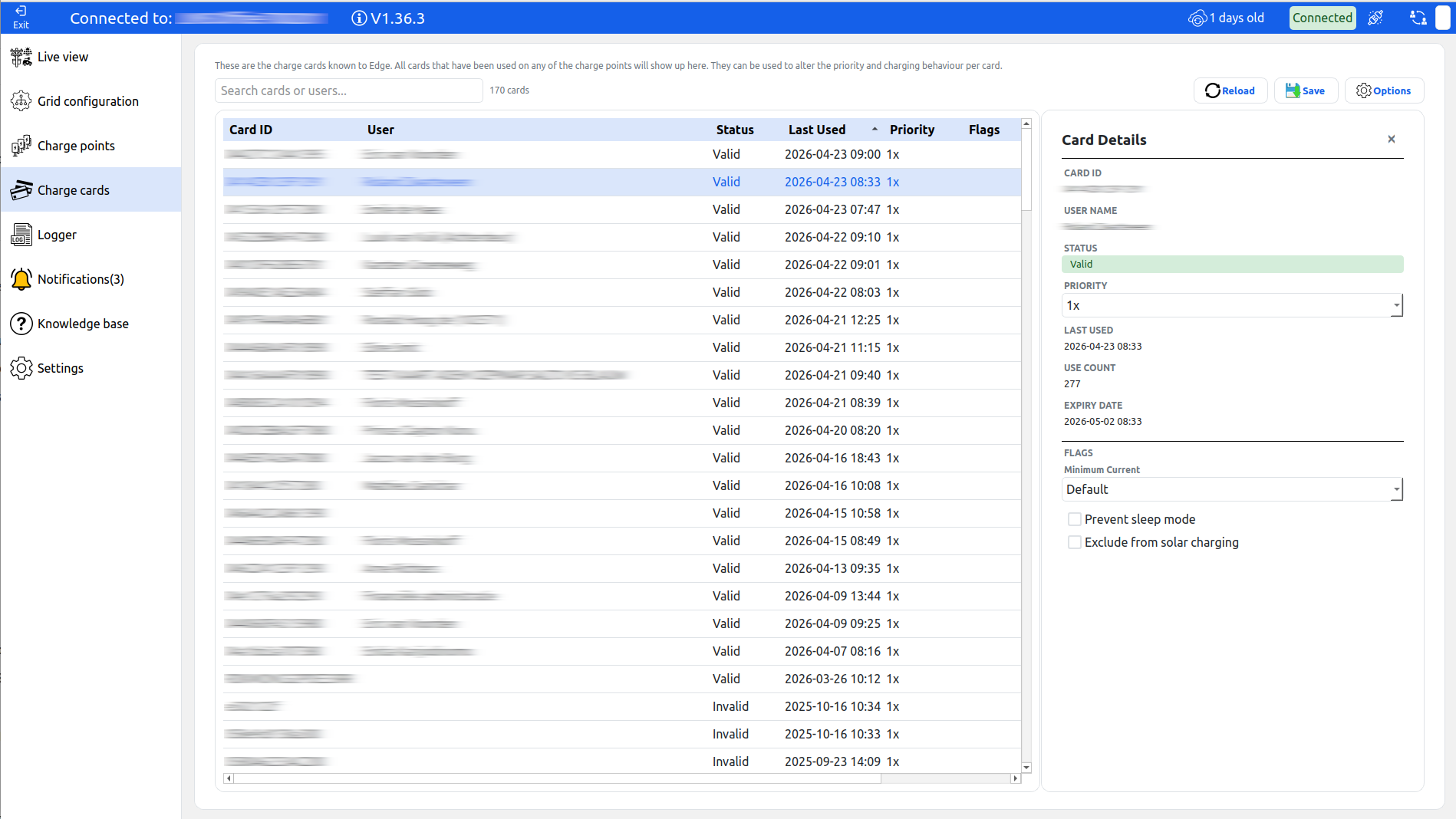
The Charge cards panel shows all cards that have been used on this site. It
Logger
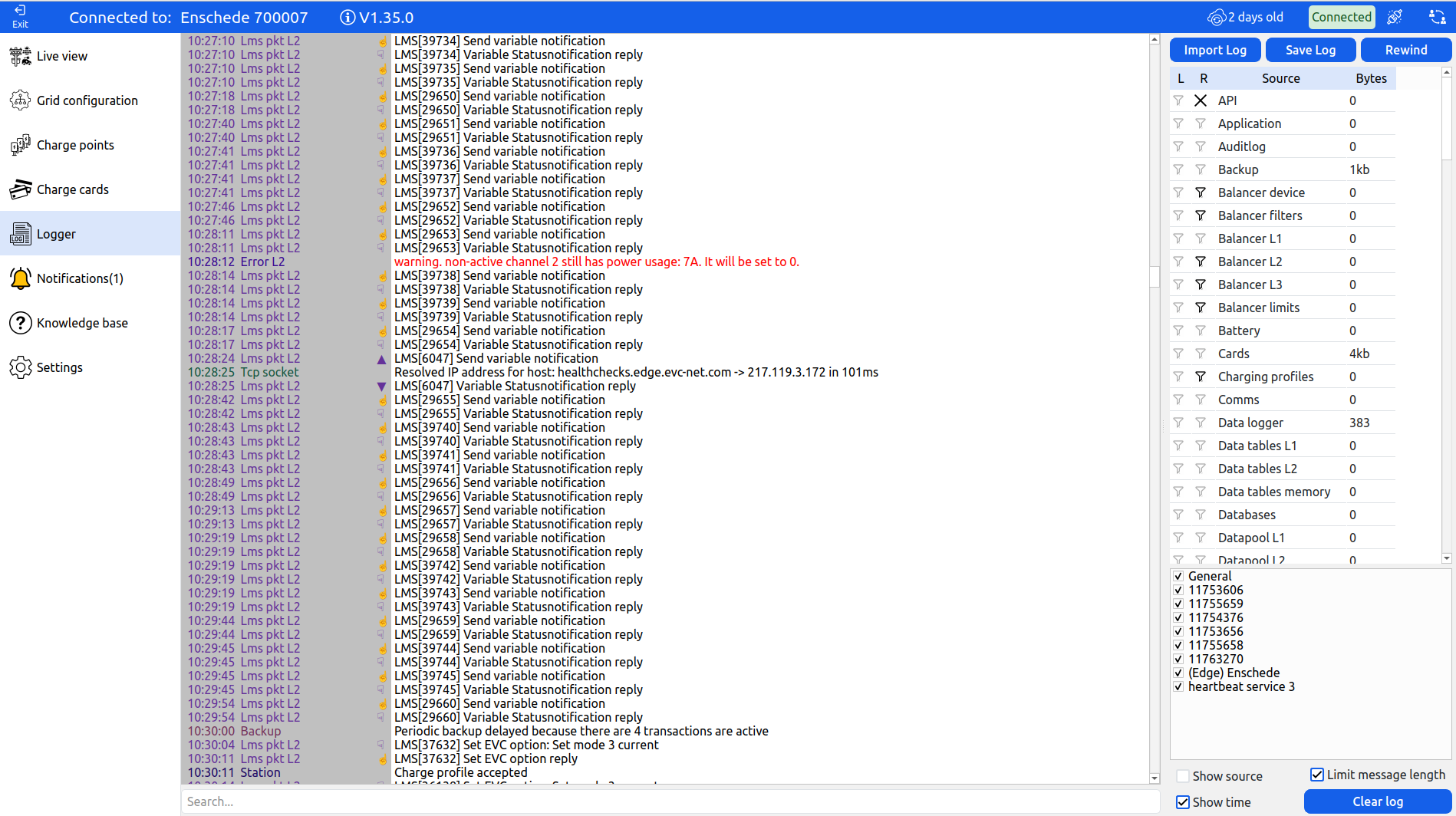
This window does not have to be used in normal circumstances. It contains the entire log of Edge, the connected chargepoints, energymeters and other processes. It can be used to diagnose issues.
Notifications tab
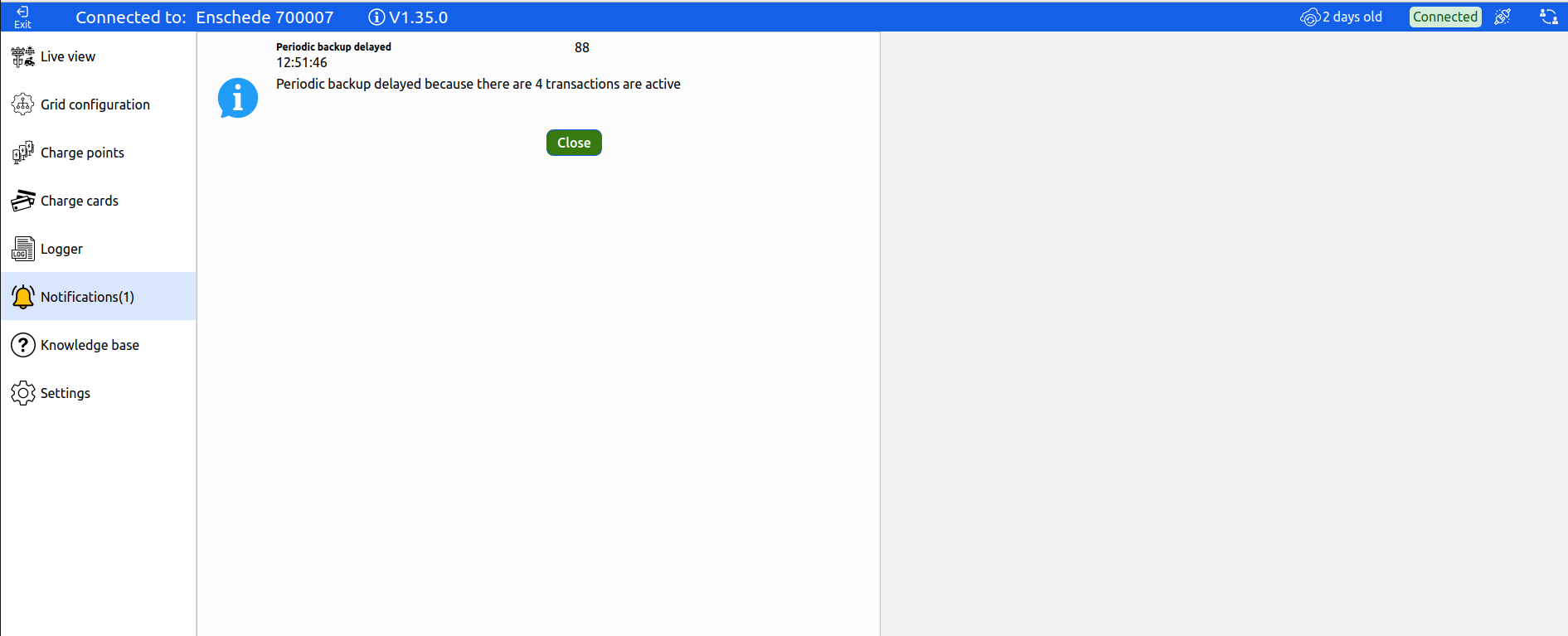
This window will show all items that require attention. The notifications can be seen as all the items from the log that require attention. For example: wrongly configured settings, Stations that went offline or energy meter problems.
Settings tab
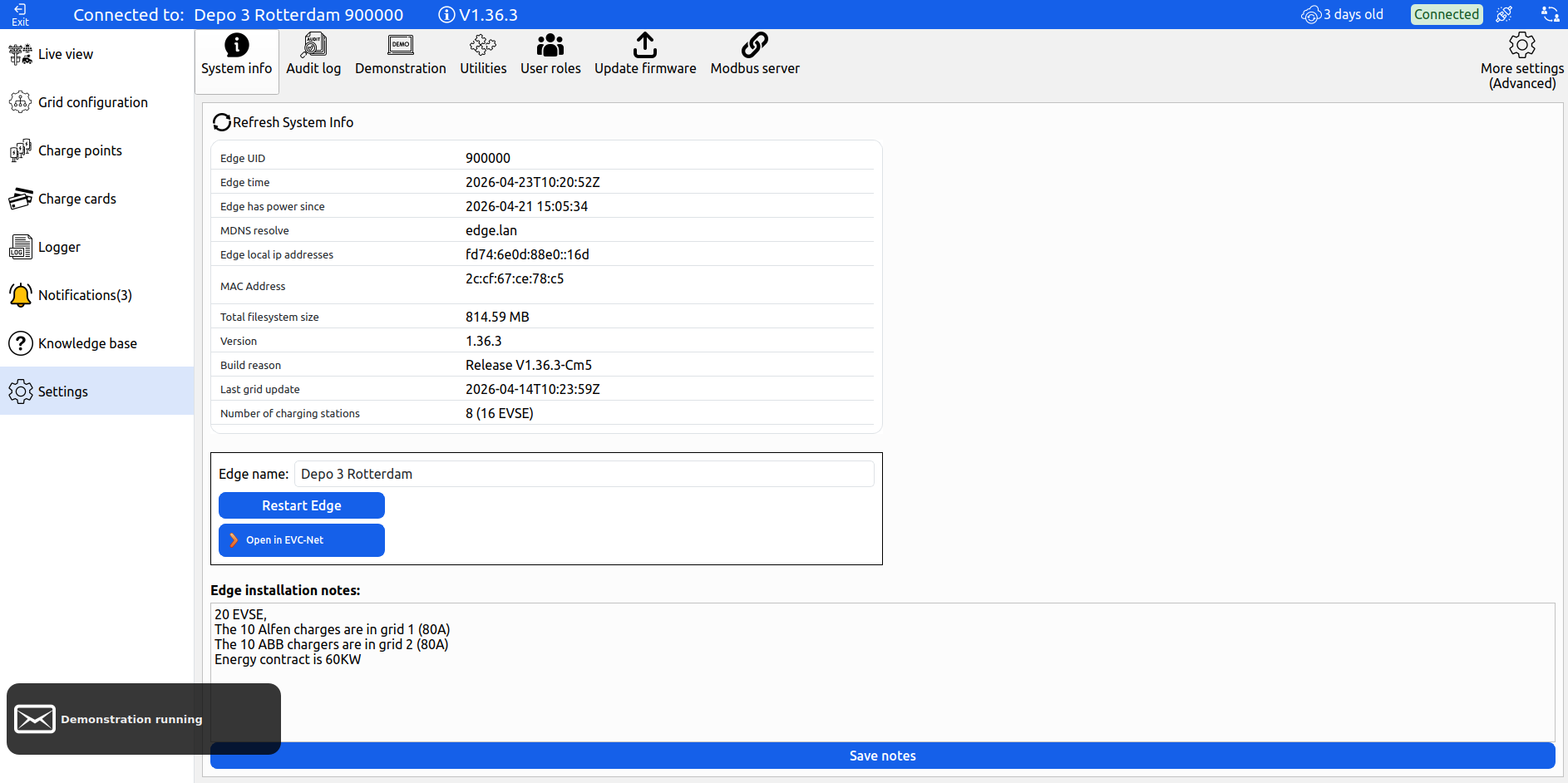
In normal circumstances edge can be completely configured from the Live View and Grid configuration page. This page is only used to find the Edge MDNS name and give the installation a Name.
During integration with other systems (like a local API or Modbus-slave connection) this settings page is used to configure those settings.
Updated 3 days ago