
User Friendly Names
When any chargepoint is added it can be recognized by its communication ID in the case of OCPP chargers, or a unique ID in case of any other supported chargepoint. This ID can be confusing to remember when the grid is growing. Assigning user friendly names makes it easier to identify stations, energy meters, and grids.
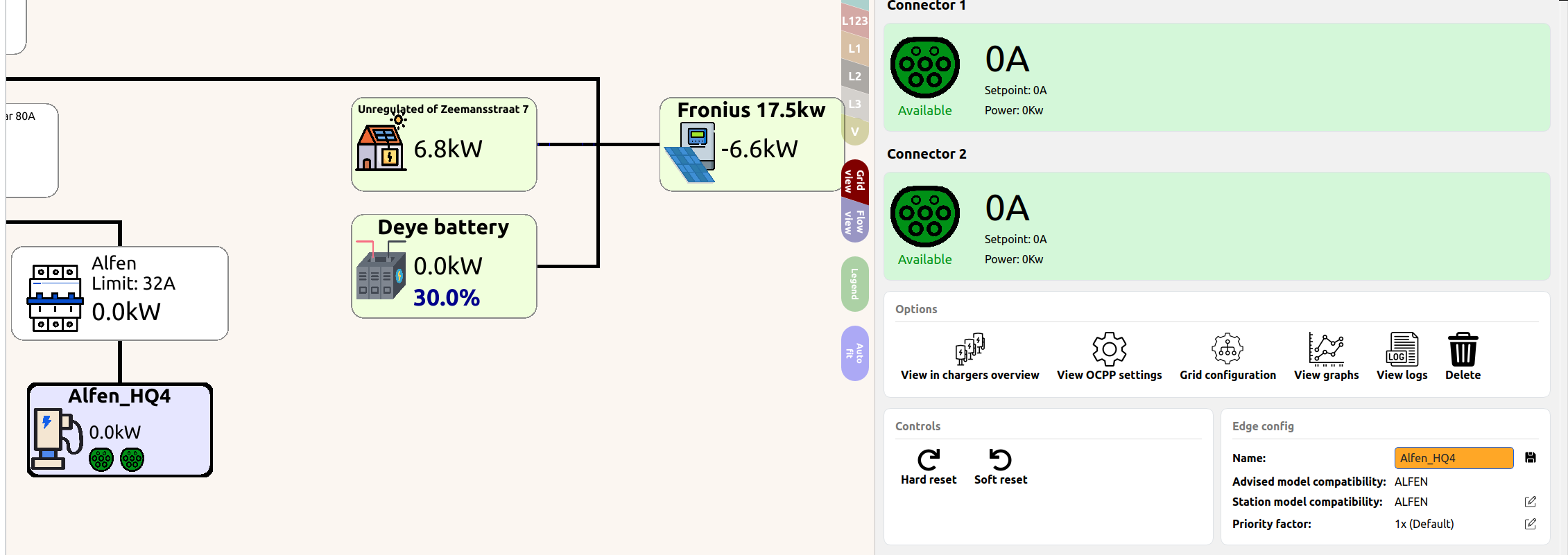
Chargepoints, Energy meters, Batteries and inverters
- Click on the node in the Live View
- Enter a recognizable name in the Name-setting
- Press "Save"
Grids
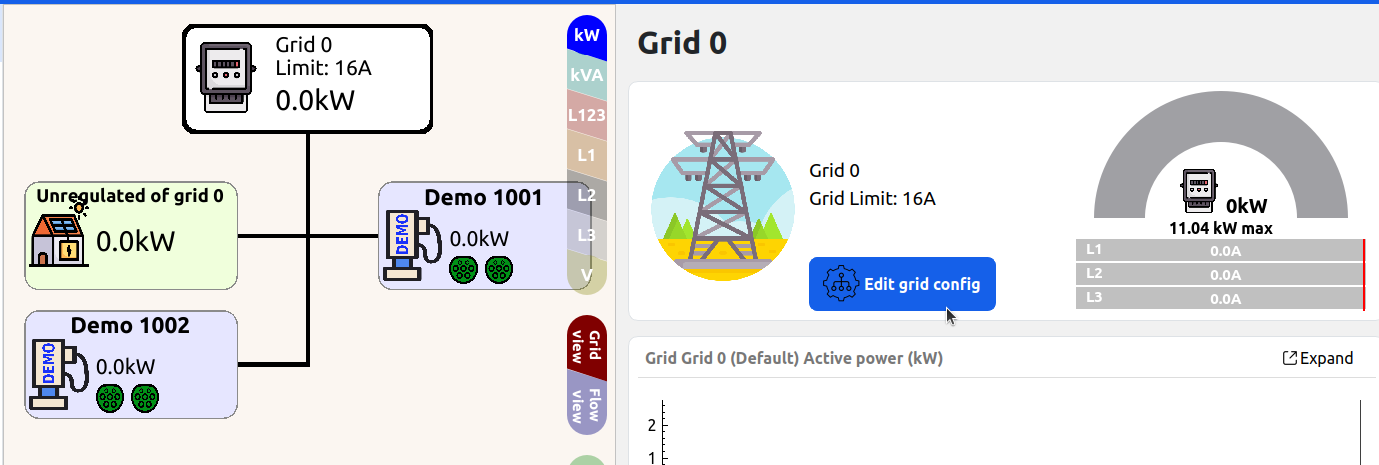
Giving a Grid a readable name works a little bit different.
- Click in the Grid-Node in the Live View
- Press the button Edit grid config
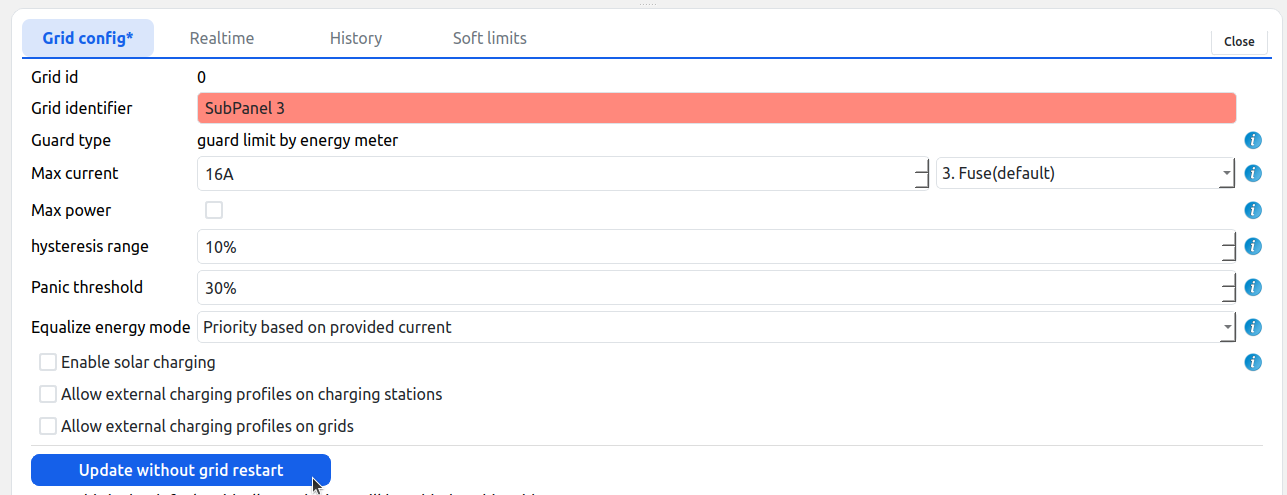
- In the opened grid configuration, change the Grid Identifier
- Press "Update without restart"
Updated 6 months ago
Did this page help you?